DST, PES, JEF… Which Embroidery File Format Do You Need?
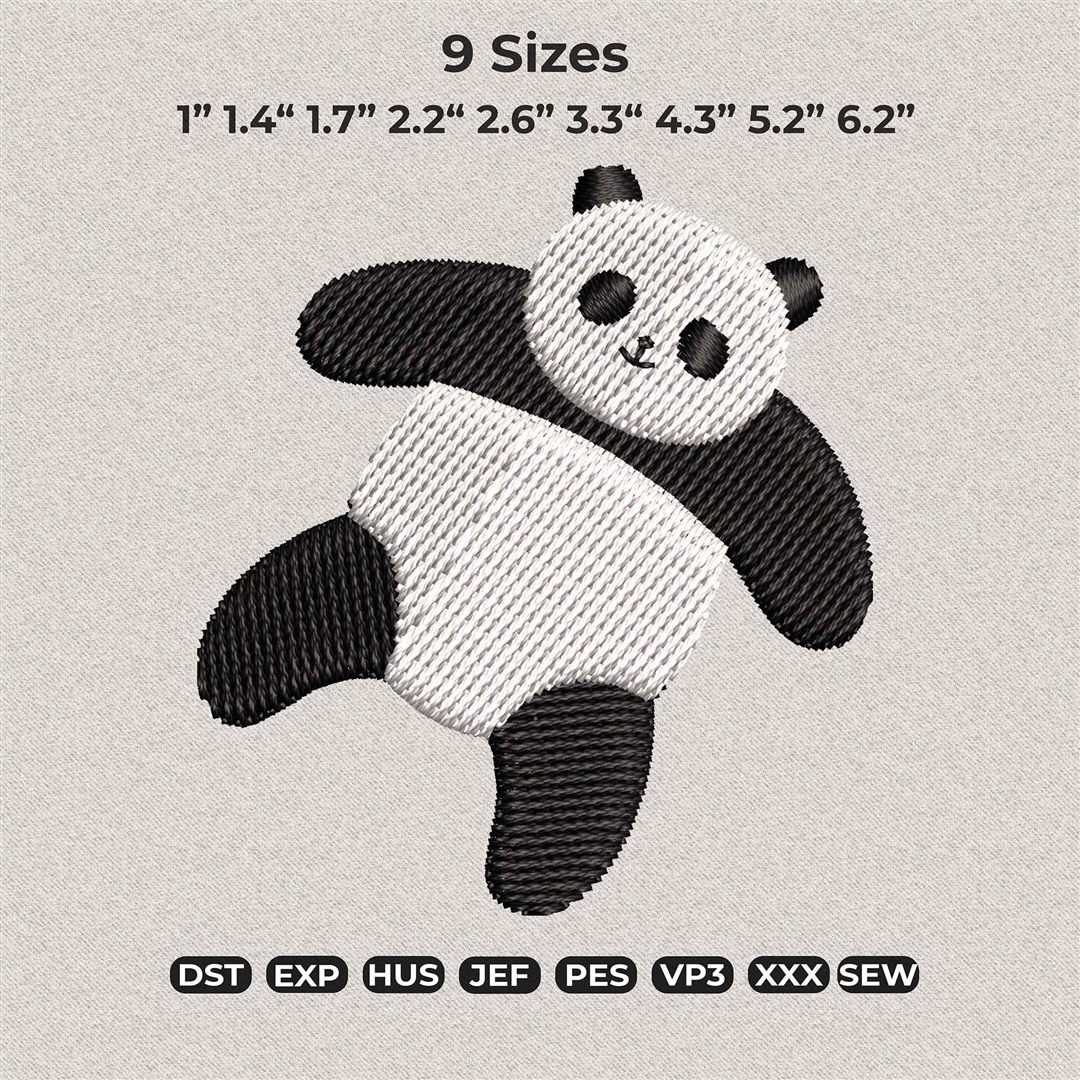
If you're new to machine embroidery, the alphabet soup of file formats can feel intimidating. DST? PES? VP3? The good news: it's much simpler than it looks. An embroidery file is just a set of instructions — where to stitch, in what order, and when to change colors. Different machine brands simply read different "languages".
The golden rule
Your machine's brand determines your format. Here's the cheat sheet we give our customers:
- PES — Brother, Babylock
- JEF — Janome, Elna
- HUS / VP3 — Husqvarna Viking, Pfaff
- EXP — Melco, Bernina (many models)
- XXX — Singer
- SEW — older Janome / New Home machines
- DST — Tajima and most commercial/multi-needle machines; also a universal fallback that almost every machine can read
What if my format isn't listed?
Check your machine's manual — most machines accept more than one format. When in doubt, DST is the safest universal choice, though it doesn't carry color information, so you'll follow the color chart included with the design instead.
Do I lose quality between formats?
Not when the designer exports each format from the original digitized file — which is how we do it at Daze. Every design in our shop ships with all eight formats in one download, so you never need to convert anything yourself. Conversions done at home with hobby software are where quality problems (distorted stitches, broken density) usually creep in.
Quick checklist before you buy any design
- Find your machine's format in the manual (2 minutes, saves headaches).
- Check the design's hoop size fits your machine's maximum embroidery area.
- Prefer sellers who include multiple sizes and all formats — you'll thank yourself later.
Ready to put this knowledge to work? Every design at Daze Embroidery Studio includes all eight formats and multiple sizes — pick the one you love and it will speak your machine's language out of the box. 🧵